| Course | |||||
|---|---|---|---|---|---|
 | Self-Paced / Administrators Learn the essentials of managing PoliteMail as an administrator. This course will guide you through configuring key settings, creating and managing users, and setting up message archiving to ensure your PoliteMail environment is organized,... | ||||
 | Self-Paced / Administrators Take your PoliteMail administration skills to the next level by learning how to manage advanced organization and communication settings. This course will guide you through configuring From addresses, organizing users with Groups, and using... | ||||
 | Self-Paced / Administrators Expand your PoliteMail administration expertise by exploring advanced features that help enhance personalization, integrations, and recipient experiences. This course will guide you through configuring Subscription Pages, creating Personal Access... | ||||
 | Self-Paced / Administrators | ||||
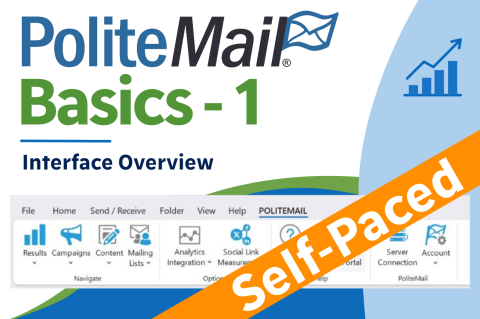 | Self-Paced / Basics Wouldn't it be great to get detailed metrics on how messages are being received and viewed internally? Wouldn't it be even more awesome if it worked from within Outlook, so there is no new application to go to? And if it connected to your... | ||||
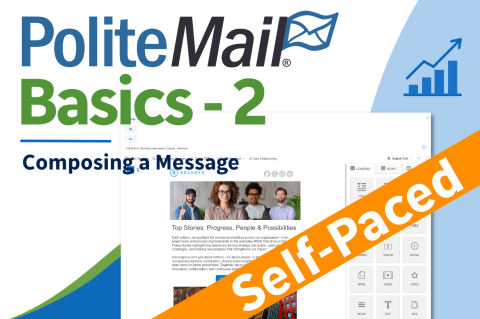 | Self-Paced / Basics This course shows you the process for composing your first message in PoliteMail from the To field to the composition. ⏱️20-23 minutes | ||||
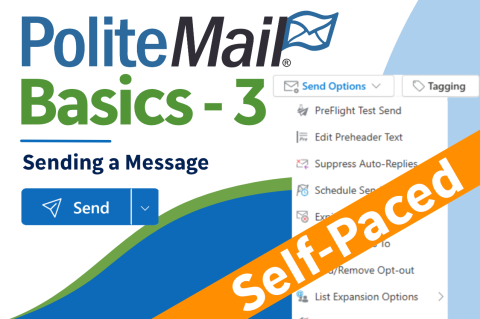 | Self-Paced / Basics You have your email masterpiece completed! Now you need to send it, but PoliteMail offers a lot of send options. This course breaks the most popular options down for you to consider! | ||||
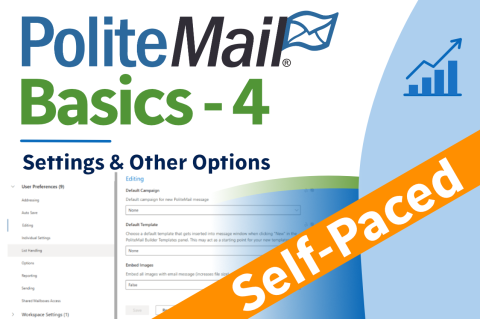 | Self-Paced / Basics There are many options and capabilities of PoliteMail that you might not use very often, but it's nice to know they're there. In addition, you may be wondering about User Preferences and which ones, if any, you should adjust. Read on! ⏱️10-15... | ||||
 | Self-Paced / Basics Think you have a good grasp of how PoliteMail works? Take the test below to get a certificate to show off! It's 20 questions of multiple choice or true/false. You got this! | ||||
 | Self-Paced / Template Building This course tells you what Beefree is and how it compares to the PoliteMail builder. Learn how to get up and running with a pre-made Template! 8-10 minutes |